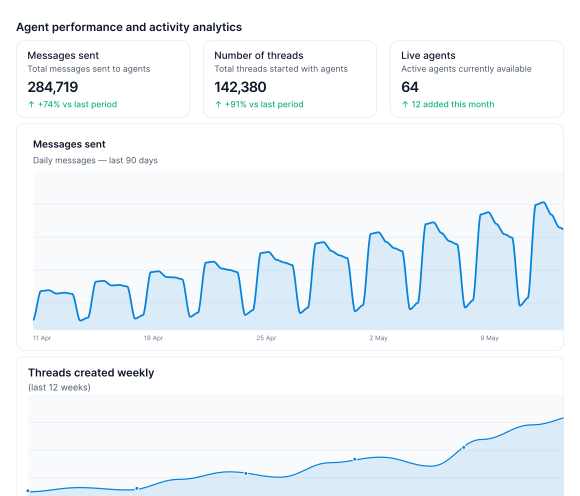
For Heads of AI at mid-market B2B SaaS companies running internal agents at scale
Finally, your team's skills, agents and MCPs are off their laptops.
Adoption exploded and everyone loves Skills, agents and MCPs, but now critical flows live on unauditable, unmonitorable or uneditable local devices. Mindset centralizes what your team built, and lets anyone, technical or not, build and improve it visually, on any model, independently audited, surfaced wherever your team works.
reconcile-transactions Get bank linesGet ledger entries
match_transactionsexplain_exceptionsThe problem
The rollout worked. Now business-critical AI runs the company, from individual laptops, owned by one person each.
 Claude
 ChatGPT
 Gemini
reconciliationmonth-end-closeorder-exceptionnew-starter-onboardingXeroPersonal account WorkdayPersonal account
 ZendeskPersonal account
Trapped
The skills and the connections live in one person's account. Nobody else can run them, change them or call them, so when they're away the business is too.
Unguarded
No evals or gates before a skill ships, and once it runs it reaches anything that account was handed a key to. No record of what it did or what it spent.
Frozen
Nothing is measured, so nobody knows where it's weak. Nothing is versioned, so a bad change can't be undone and a good one can't be repeated.
The solution
Mindset is the agent harness & execution layer for your most important automations
Ingest & Re-provision
Everything your team built on laptops, rebuilt as automations the company runs, so it stops being shadow IT
Turn skill.md docs on laptops into governed automations, with no engineering time required
Mindset builds everything from a conversion or skill file. Connections, agents, if-this-then-that automation, acceptance criteria & more.
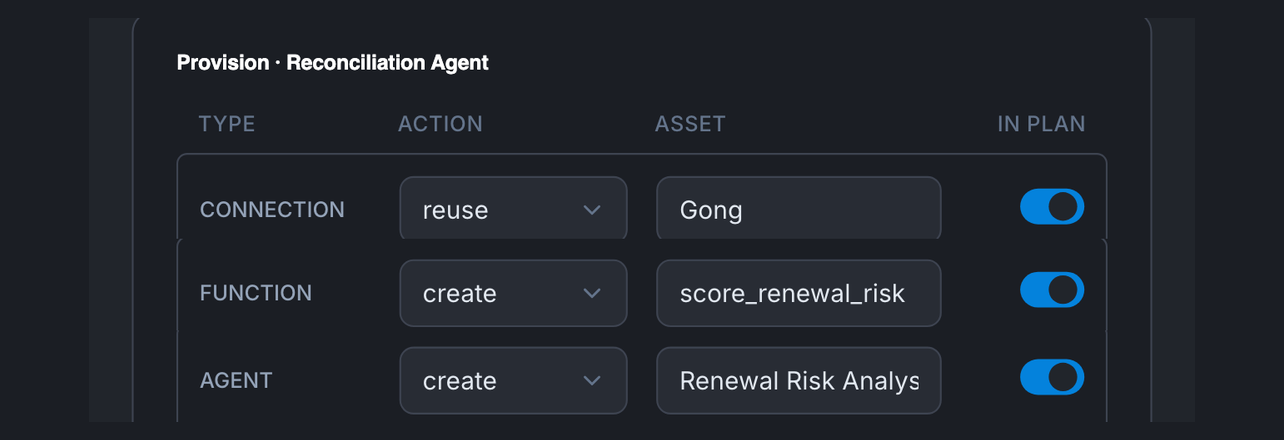
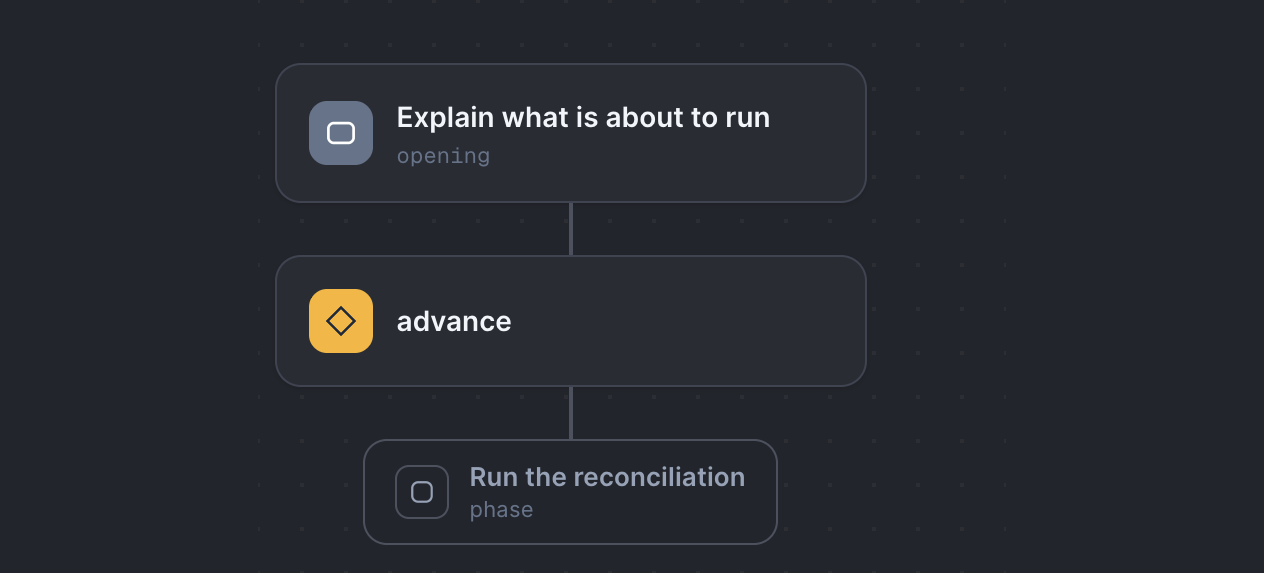
Make your agents create reliable, improvable outputs every single week, swapping prompts and md docs for real automation.
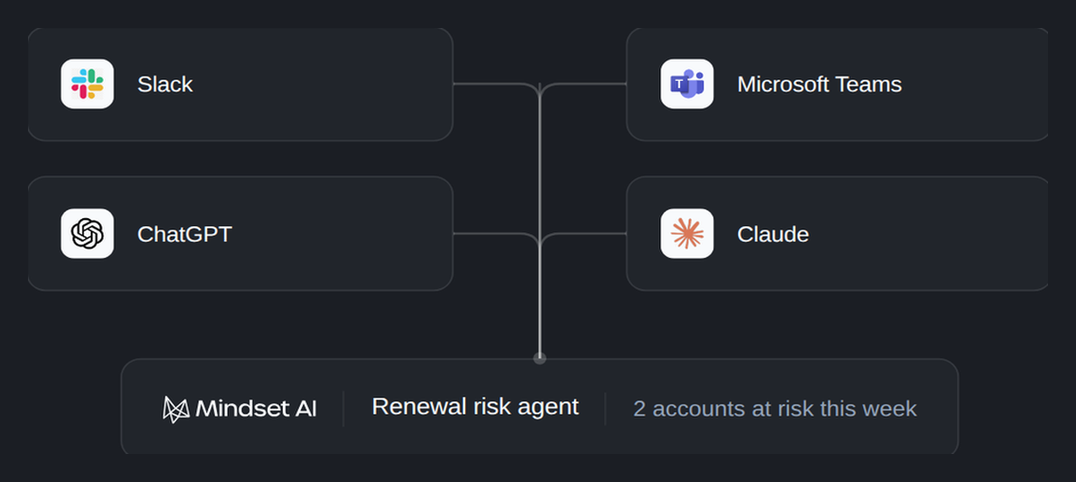
Re-prevision the governed automations into the tools your team works inside, so they don't need to learn a new app.
Govern
Move automations onto Mindset, so they become governed, auditable & transparent
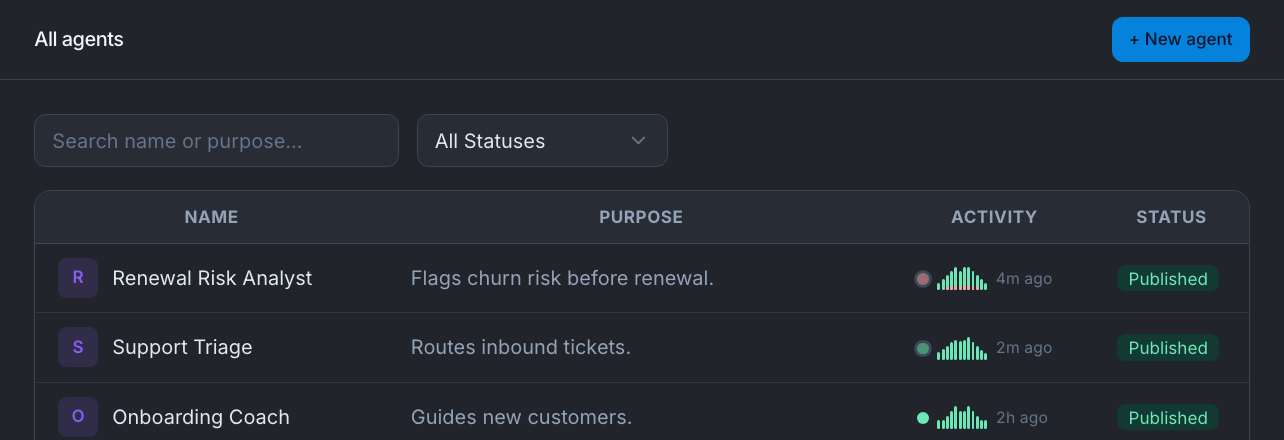
See everything your team has built in one place, so nobody has to work out what is running
All critical flows owned, versioned, visible in one place. People find what already exists and reuse it, instead of building the same thing for a third time.
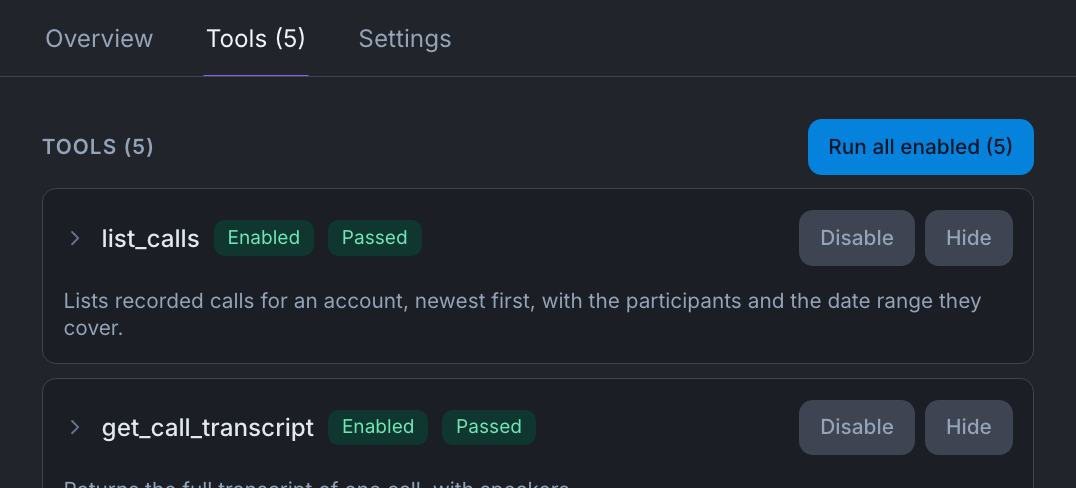
Decide exactly what your agents are allowed to touch, so you can minimise the blast radius.
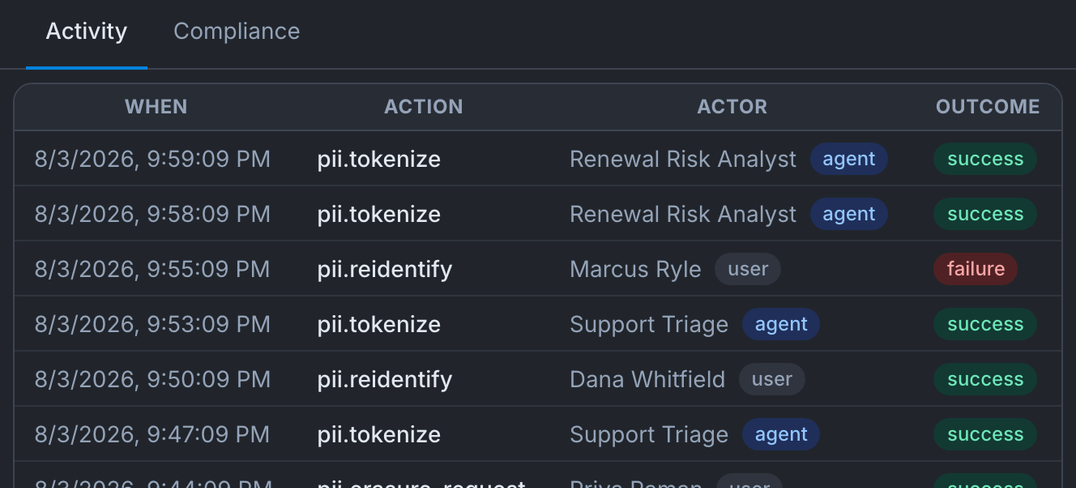
Prove what every agent did to any auditor in a click, so an audit is an export and not a project.
Optimise
Any model, any stack and self-hostable so you can stay optimized for the best of every technology ecosystem
Optimise cost, agent performance and models with infrastructure you control.
Any model, any ecosystem, self-hosted if you want it
You stay in complete control; choose the best models, data never leaves your stack, you fit within the existing systems you have today.
Continually optimize token costs, so you get the best results for the lowest price, instead of being blind to it.
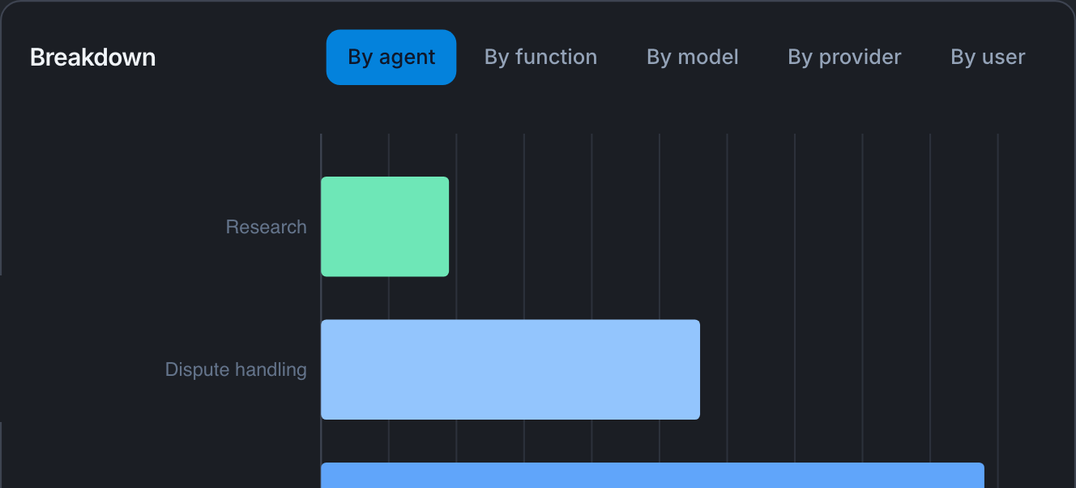
See exactly what’s breaking and improve every automation via a conversation with AI, so everything is easy to maintain.
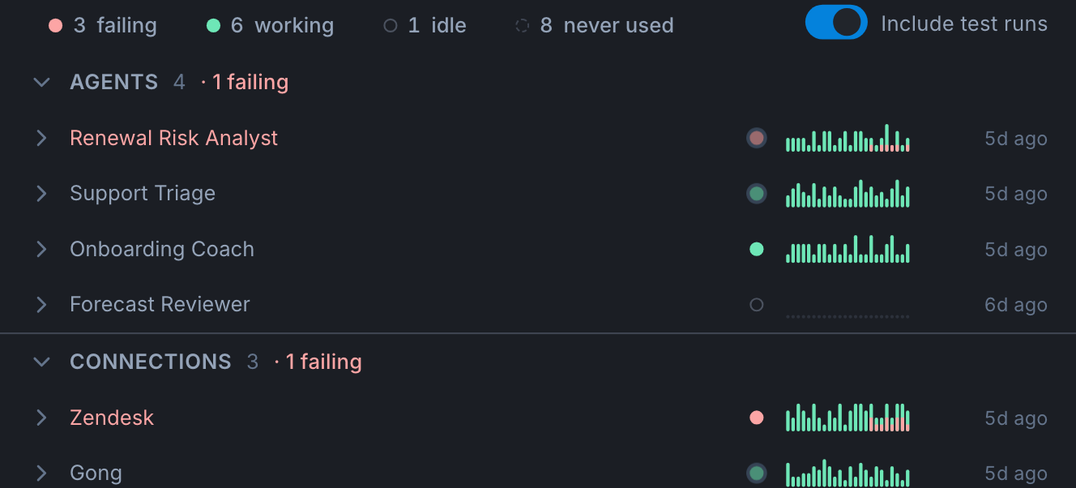
How it works
Import & Build
Bring what you have in & give your team one place to build more.
- Import the skills, agents, MCPs and automations off local machines into one org-scoped registry the company owns.
- Build new ones or turn existing skills.md into deterministic flows if needed by describing what you want in plain language, including Functions that package complex business logic into a single tool your agents can call.
- See the whole agent fleet in one catalogue: what's running, who built it, what it touches and what it costs, all versioned from the moment it lands.
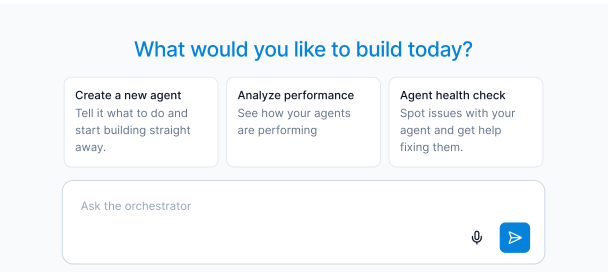
Govern & Deploy
Surface agents wherever they work & control who accesses what.
- Runs on shared, monitored infrastructure with break alerts, independent of any person's machine or holiday. Your team decide what actions are recorded by speaking to AI.
- Every agent gets its own identity and least-privilege access across tools and MCPs, instead of running on a human’s login. Agents and Functions can only touch the connections your org has sanctioned.
- Route any agent, skill or flow to where people work already for the final output or human-in-the-loop approval.
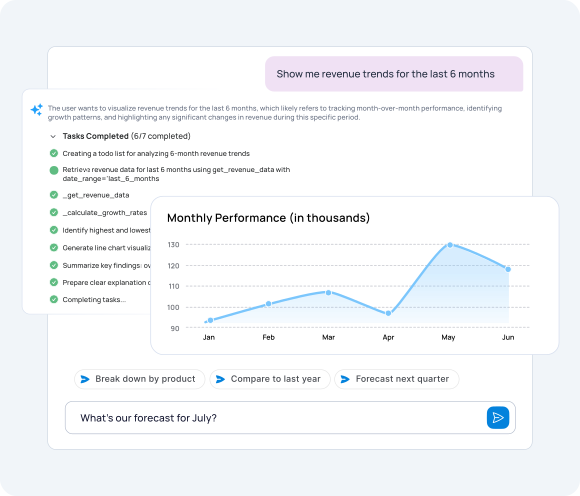
Improve
Turn ad-hoc flows into ones that suggest self-improvements you approve.
- Set behaviour acceptance criteria per agent or flow. Mindset runs them before you publish and re-runs them on a schedule, so a flow that goes red tells you before a customer does.
- A closed loop watches real usage and recommends changes (a tool called 27% of the time that should be nearer 50%), and lets you A/B test and simulate a change before it ships.
- Token cost per skill shows what earns its keep and where to cut, and an independent audit trail on every run lets you scale to reputation-bearing work.